Free for any church, school or ministryEnglish and French
A free live poll for your church event.
Ask a question and the whole room answers from their phones. The results appear on the big screen in seconds. You can set it up yourself in a few minutes, with your own name, logo and colours.
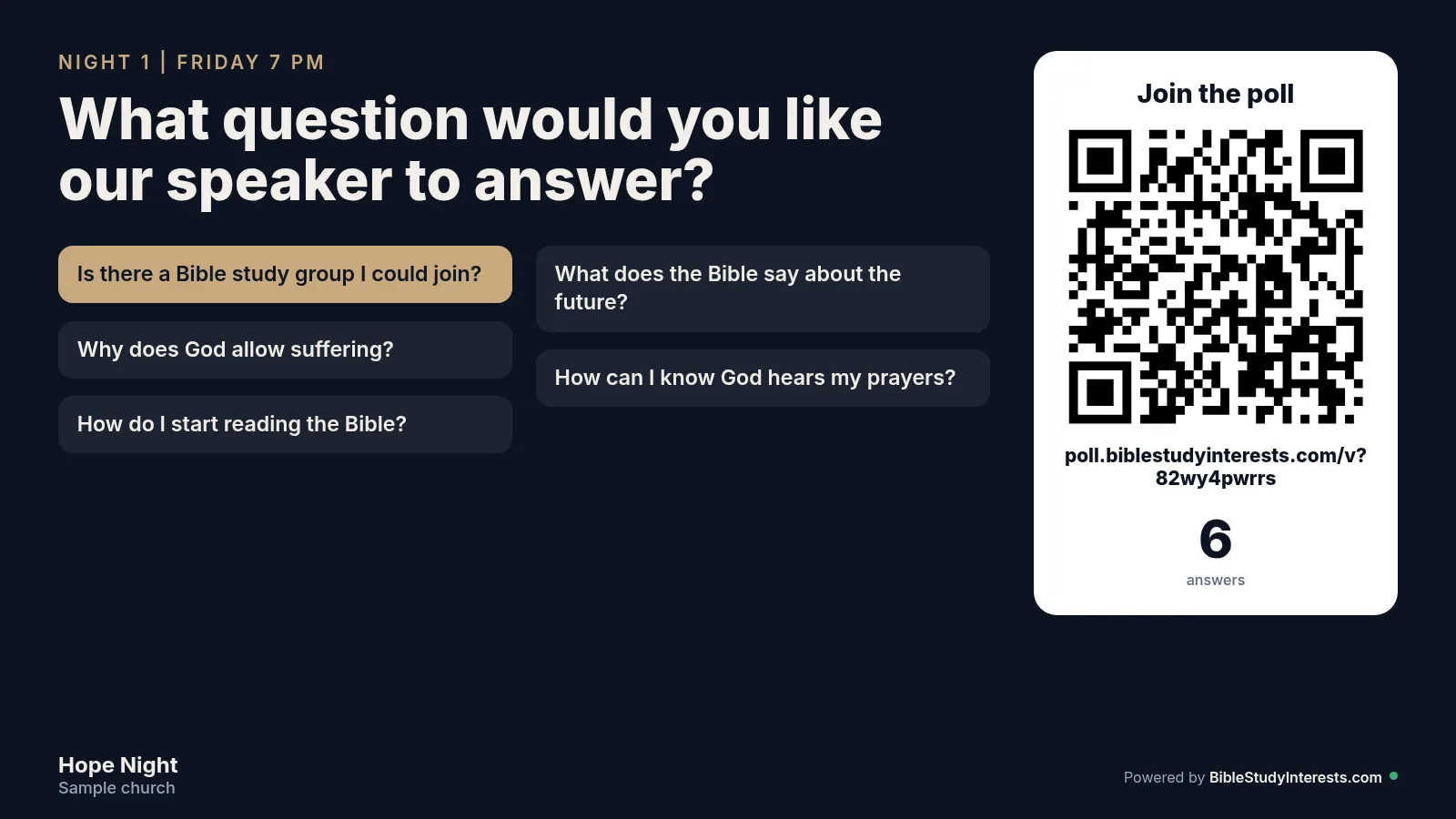
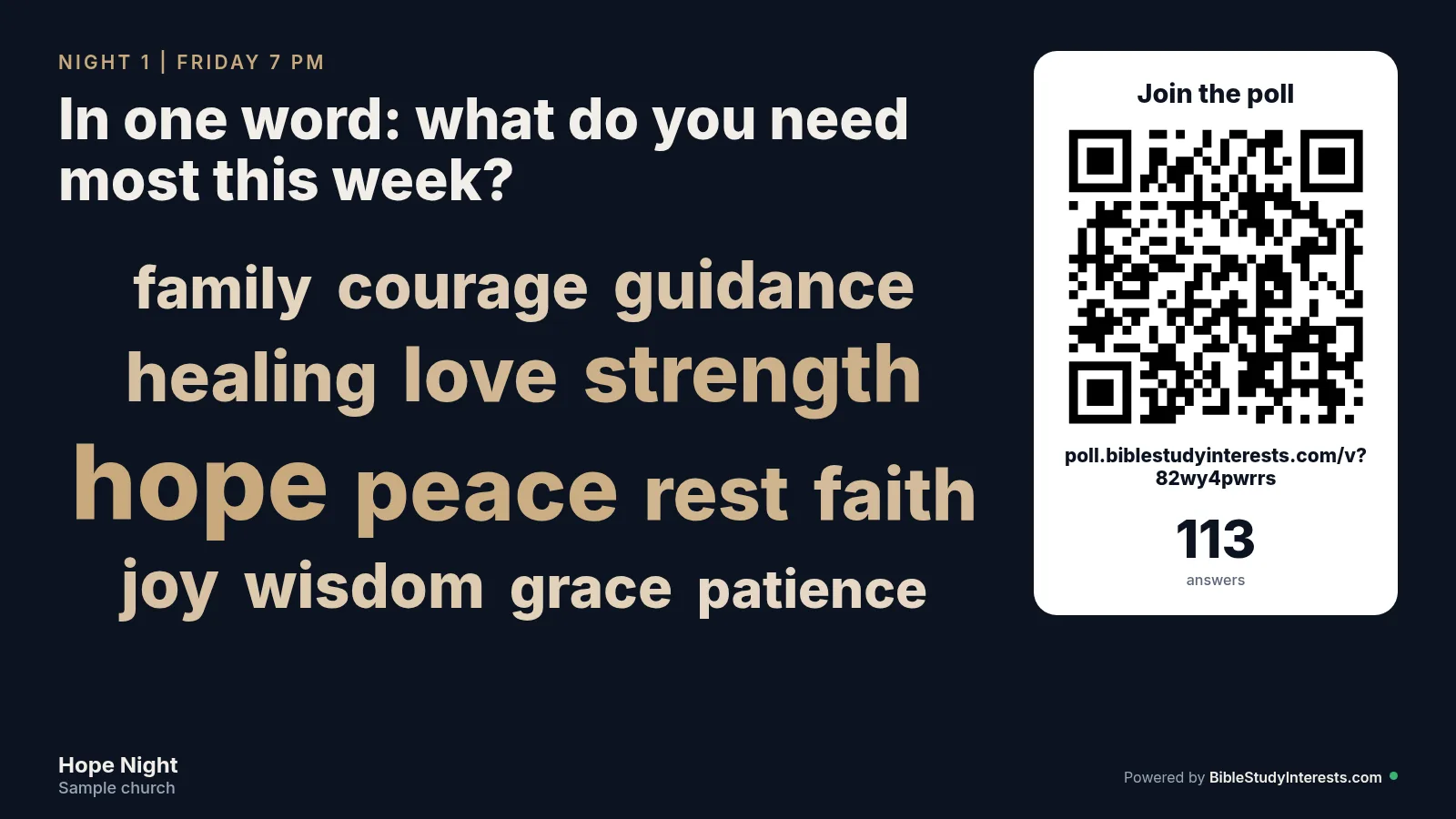
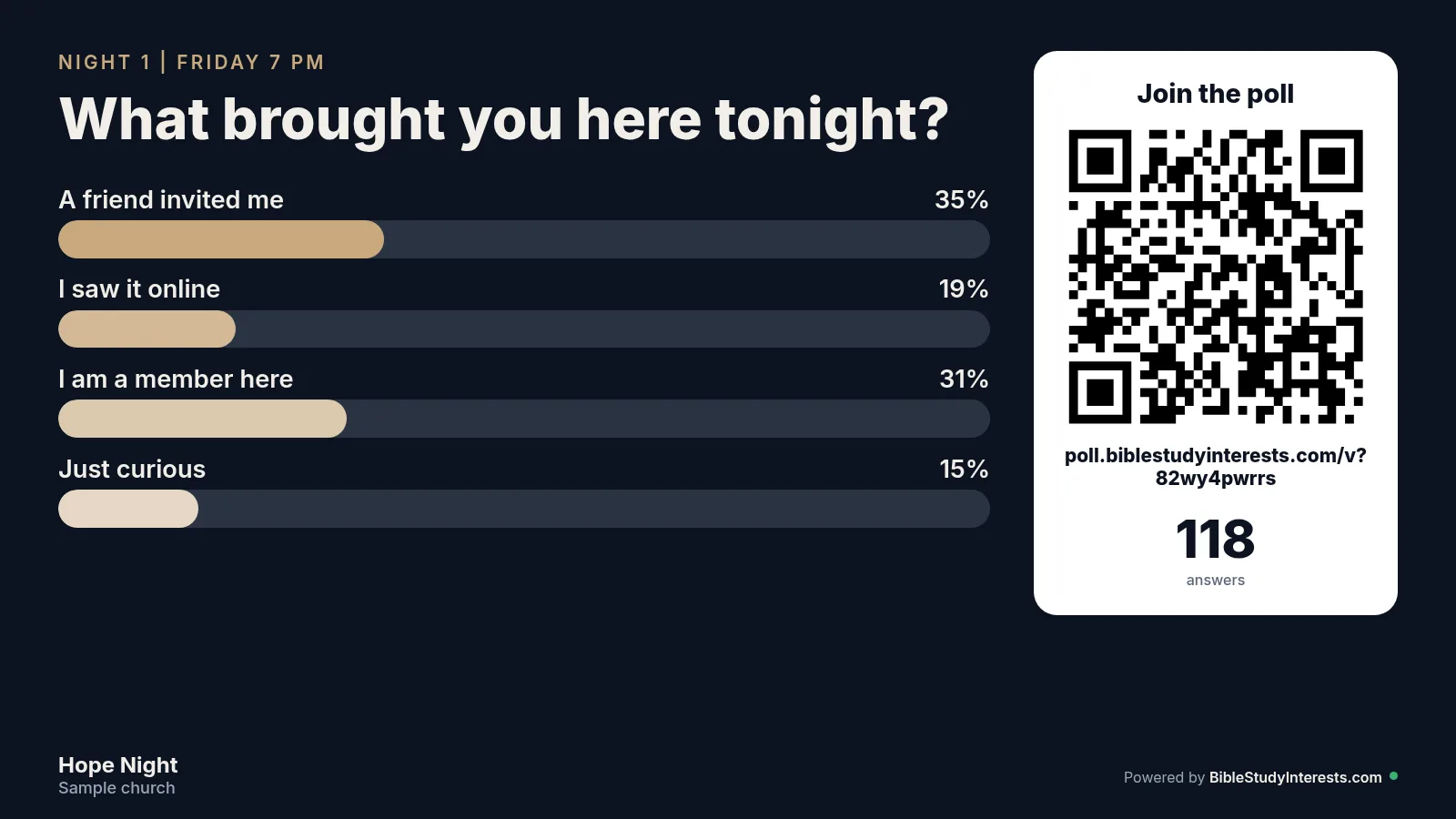
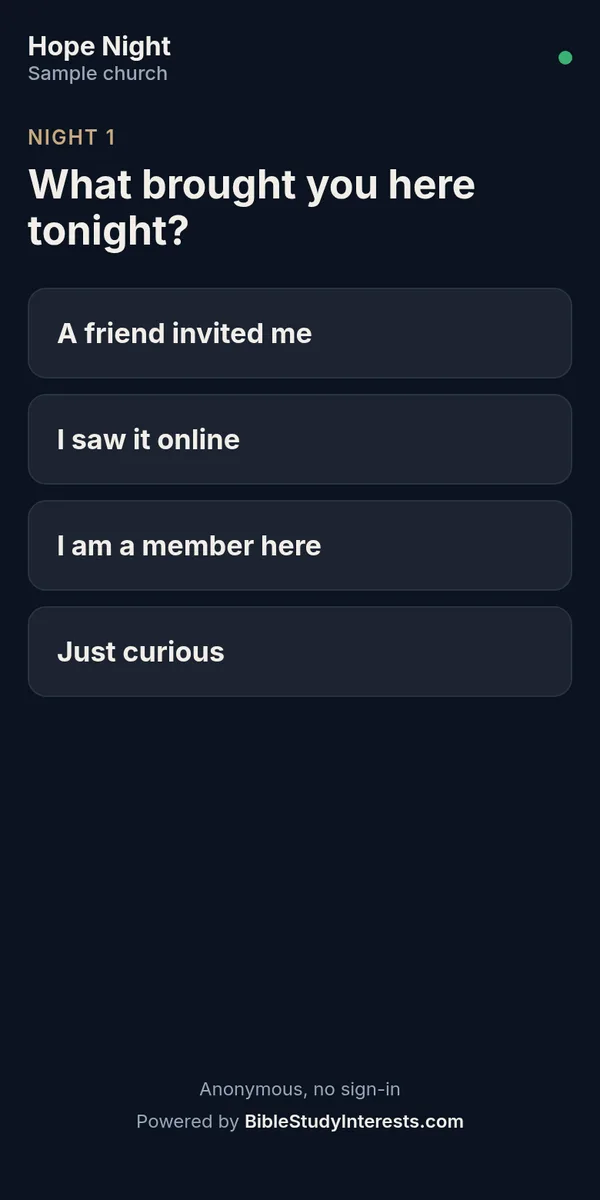
Everything you need to get a room talking.
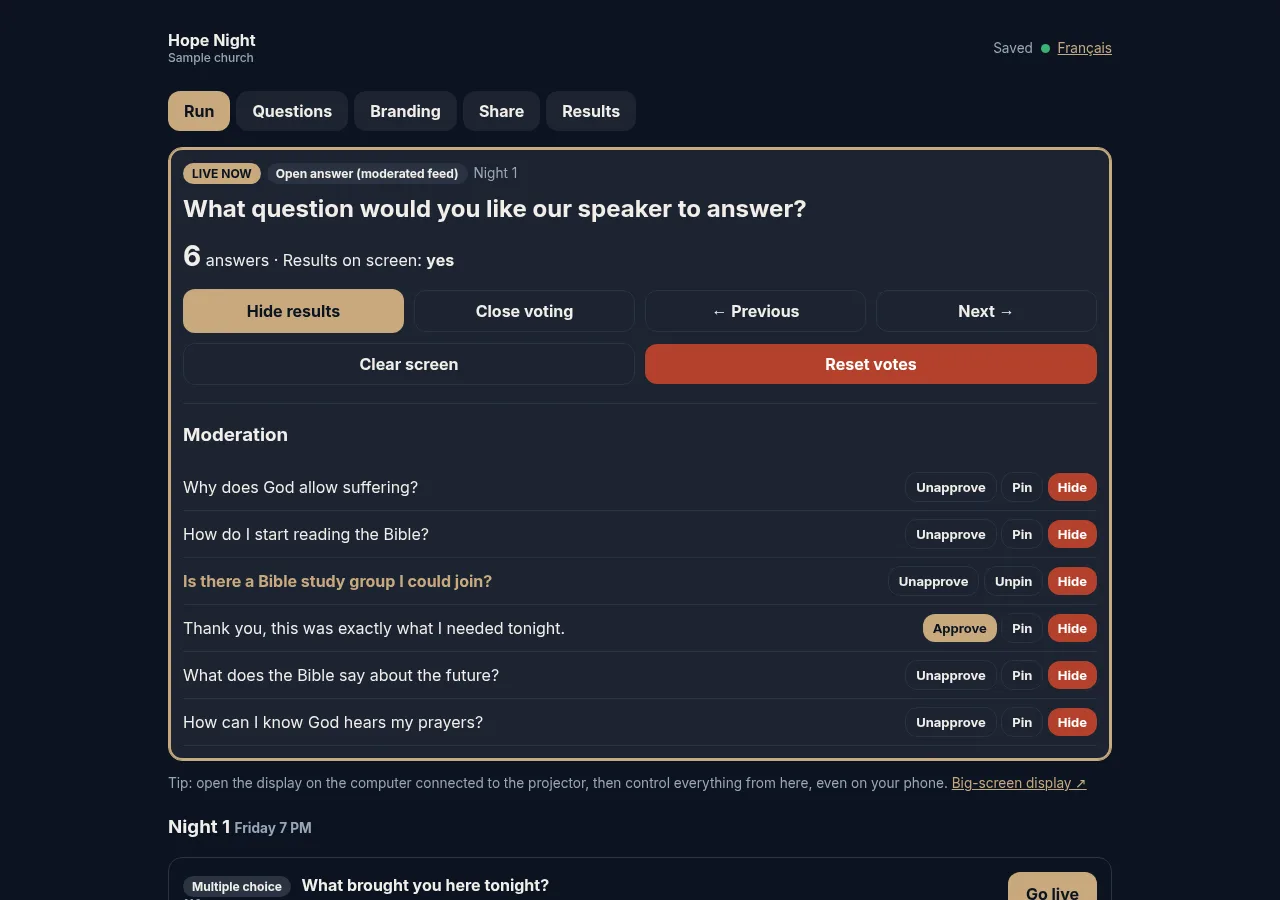
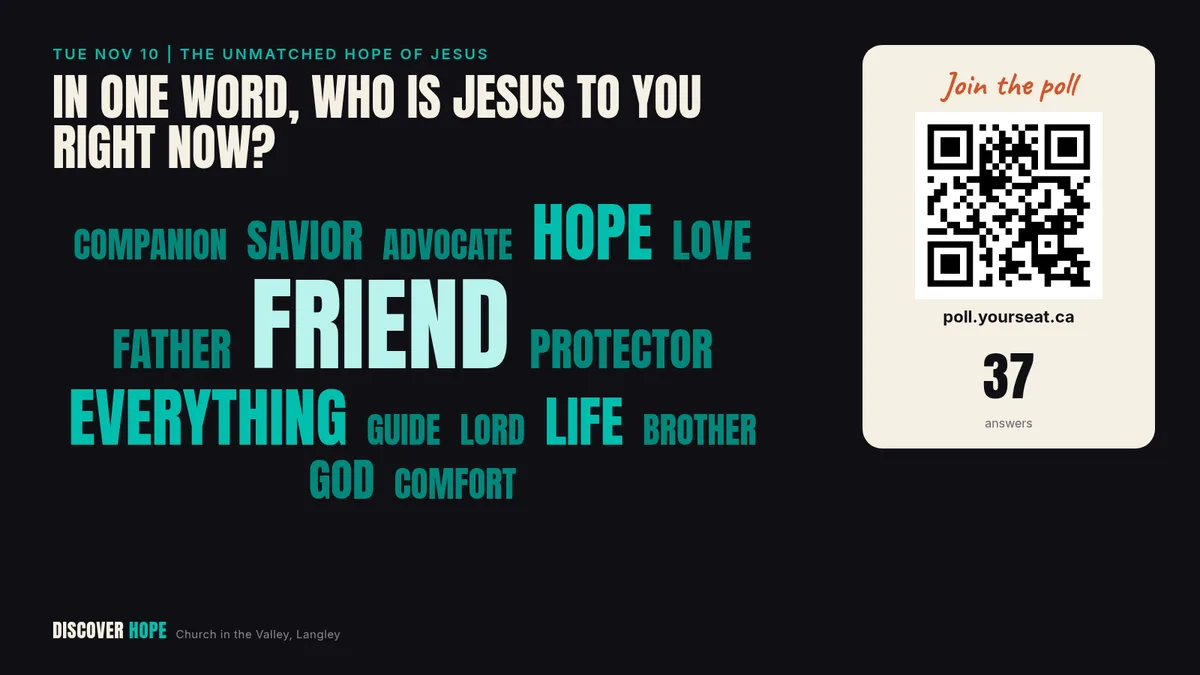
- Four question types. Multiple choice, one-word answers as a live word cloud, open answers in a moderated feed, and a 1 to 10 scale.
- Moderation you control. Approve, pin or hide open answers. Hide a word from the cloud in one tap. A built-in filter blocks rude words in English and French.
- Your branding or ours. Add your event name, your church name, your logo and your colour. Or keep our default look.
- Nights and sessions. Plan every night of a series in one place, then go live one question at a time.
- A QR code and a short link. Show it on the screen, print it in the bulletin or download it as an image.
- Run it from your phone. Open the big-screen display on the projector computer, then control everything from your phone or laptop.
- Export your results. Download every answer as a spreadsheet (CSV) after each night.
- Anonymous for your audience. People vote without giving their name, and it works on cell data.
Ready in four steps.
Sign up
Tell us your name, email, church and city. It takes about a minute, and your poll is created right away.
Save your private link
You get a private link to your dashboard. Save it: it is the only key to your poll.
Add your questions
Add your nights and questions, your logo and your colour. We start you with three sample questions.
Go live
Put the display on the big screen, press Go live and watch the answers come in. Export the results at the end.
Built for Discover Hope.
We first built this poll for Discover Hope, a nine-day evangelistic series at Church in the Valley in Langley, BC, in November 2026.
Kandus Thorp asked us for a way to warm up the room at the start of each evening. A big QR code sat on the screen, people scanned it with their phone camera and voted right away. Over 10 sessions, 1,399 answers came in from 360 different phones, with 109 phones on opening night alone.
Before we opened it to everyone, we tested the public version with 500 phones voting within 30 seconds. All 500 answers reached the big screen.
Good to know.
Is it really free?
Yes. There is no cost and no trial. We built it for our own projects, and we want every church, school and ministry to be able to use it.
Why do you ask for my details?
So we know who uses the tool and can follow up with you about it. If you tick the box, we also send you occasional tips and free resources. We never sell your information.
Do people need an app or an account to vote?
No. They scan the QR code with their phone camera, or type the short link, and vote right away. Their answers are anonymous.
How many people can vote at once?
We tested it with 500 phones voting within 30 seconds, and every answer reached the screen. It uses very little data, so cell data is enough.
Where are the answers kept?
Answers travel through a free public live service and are saved in your dashboard, in your browser. Download the spreadsheet after each night to keep a copy. Do not ask for private or sensitive information in a poll.
What if I lose my private link?
Your private link is the only key to your poll, and we do not keep a copy. Save it when you sign up: you can copy it, download it or email it to yourself. Polls you open are also remembered on that device.
Can I use it in French?
Yes. Choose French for your audience, and the phone screen and the big screen switch to French. The dashboard works in both languages.
Ready for your next event?
Create your free poll now. It takes about a minute.